
1. Inspects your machine
Detects macOS, Windows, or Linux, available memory, accelerators, Ollama, and reachable local services.
Choose Codex or Claude Code. Your agent measures your Mac, Windows PC, or Linux box, finds what is installed, chooses a local LLM that fits, and launches your private Hangar console at localhost:8003.
Use the Hangar setup skill at:
https://github.com/alibad/hangar/blob/main/.agents/skills/hangar-setup/SKILL.md

Set up Hangar on this machine. Measure the machine first, choose a local model that fits, configure only services you verify, and prove the console works locally before you finish.
Open source · local by default · no account required. This website is the launch point, not the console running on your computer.
The local console
These are real captures from configured machines. Hangar changes with the hardware and services it discovers—so a Mac and a GPU workstation will not pretend to have the same capabilities.
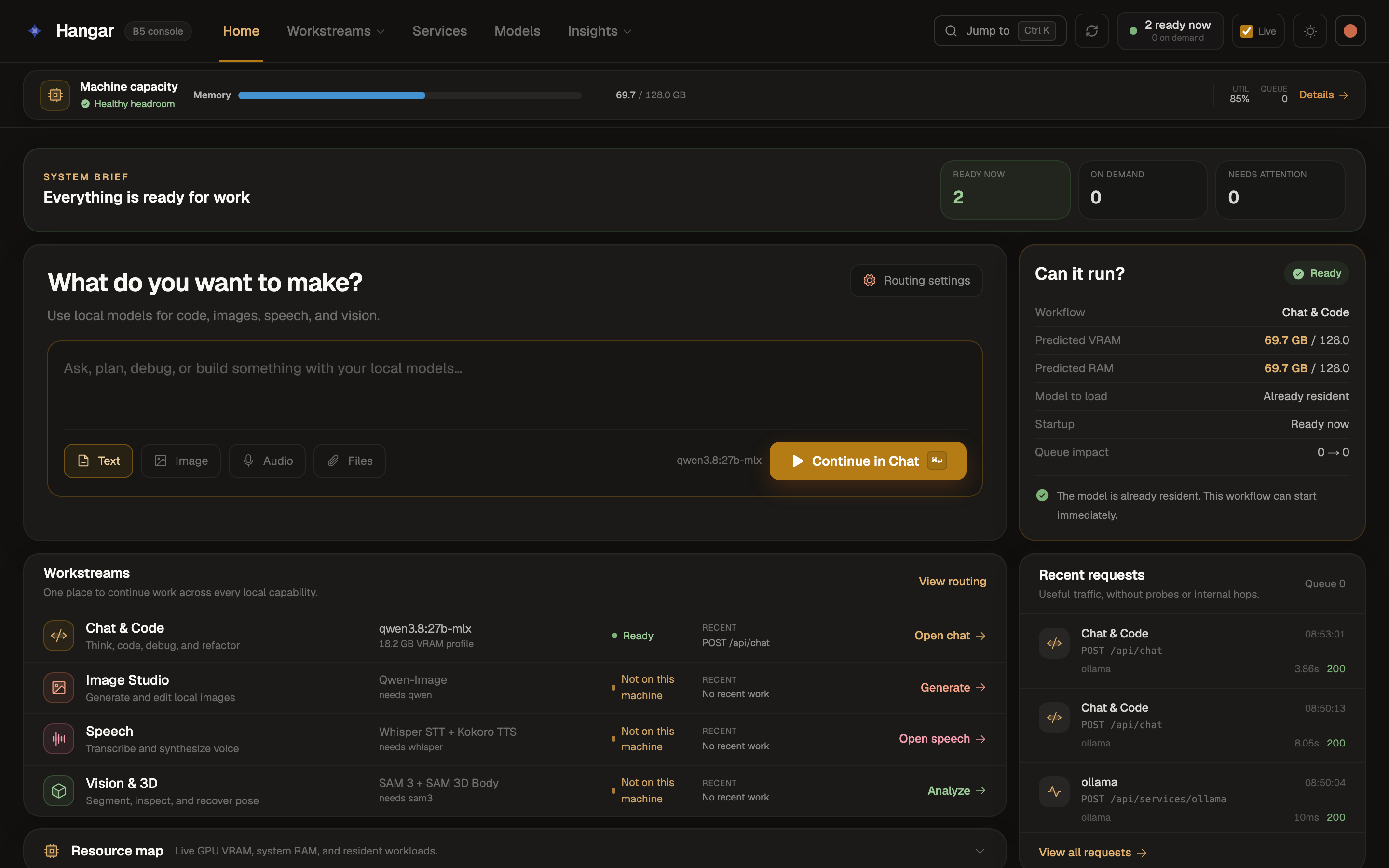
See memory headroom, what is ready, recent requests, and whether a workflow can run before you launch it.
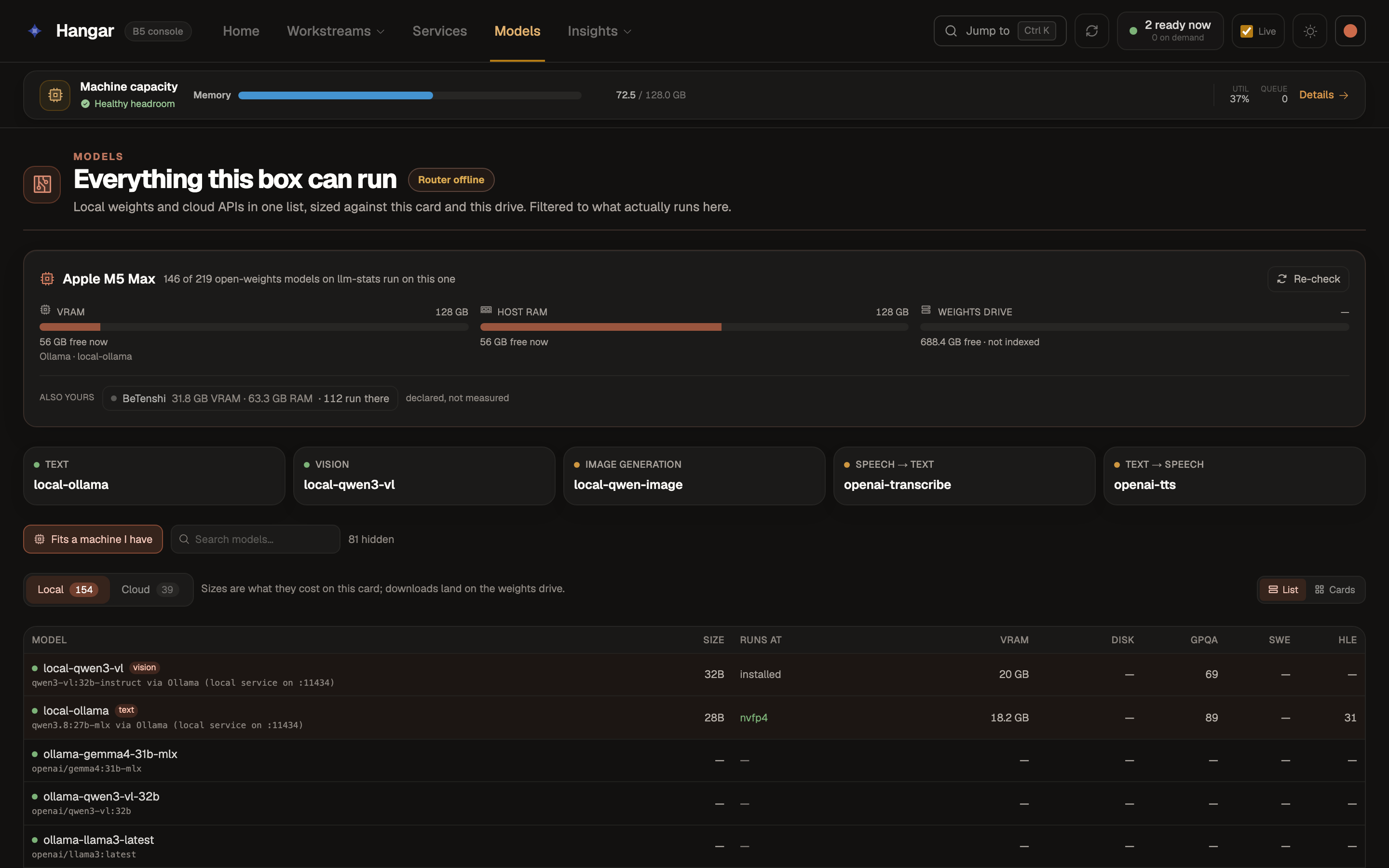
Compare installed and available models against the RAM, GPU, and storage this computer actually has.
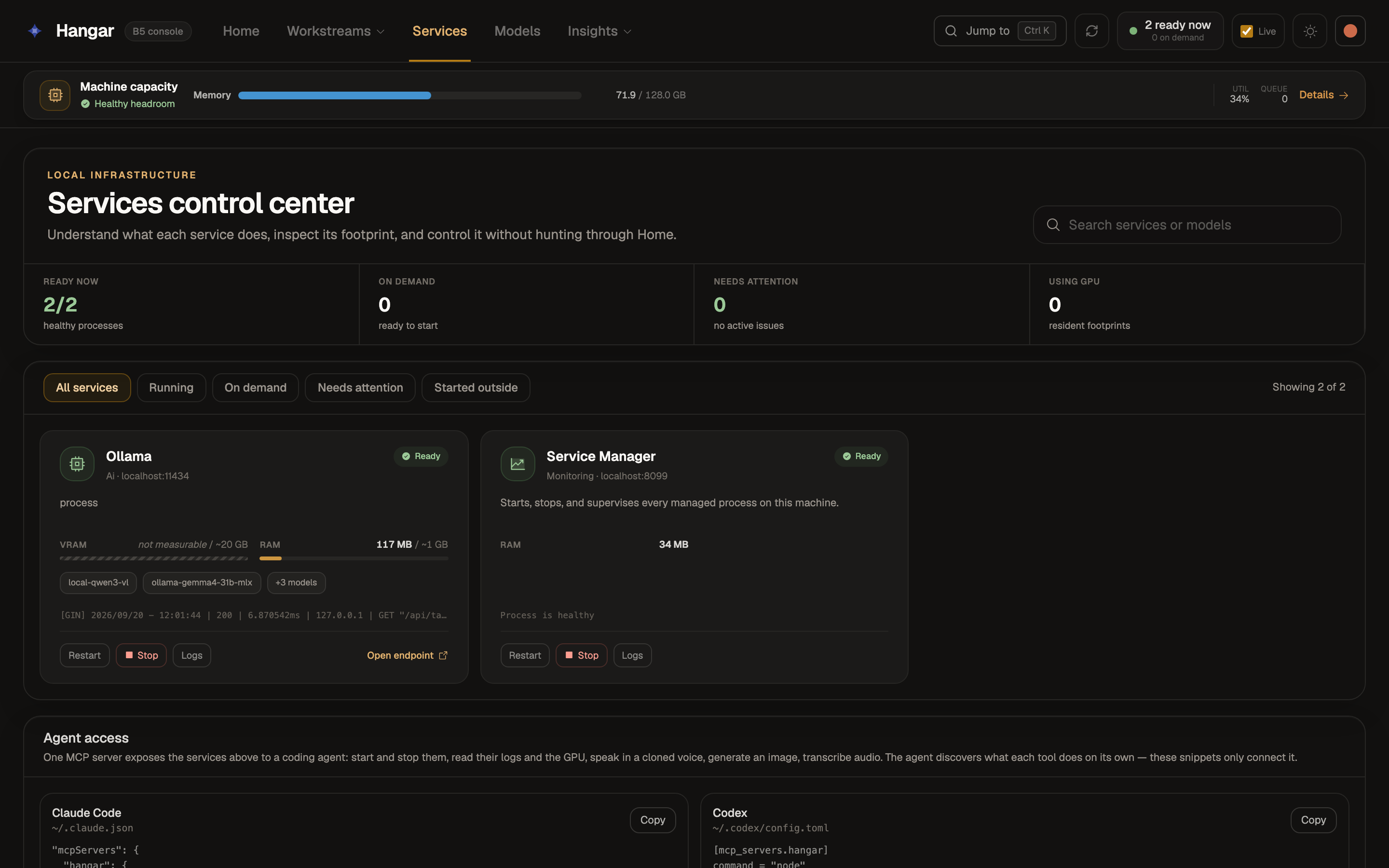
Start, stop, inspect, and connect services to Codex or Claude Code without hunting through terminals.
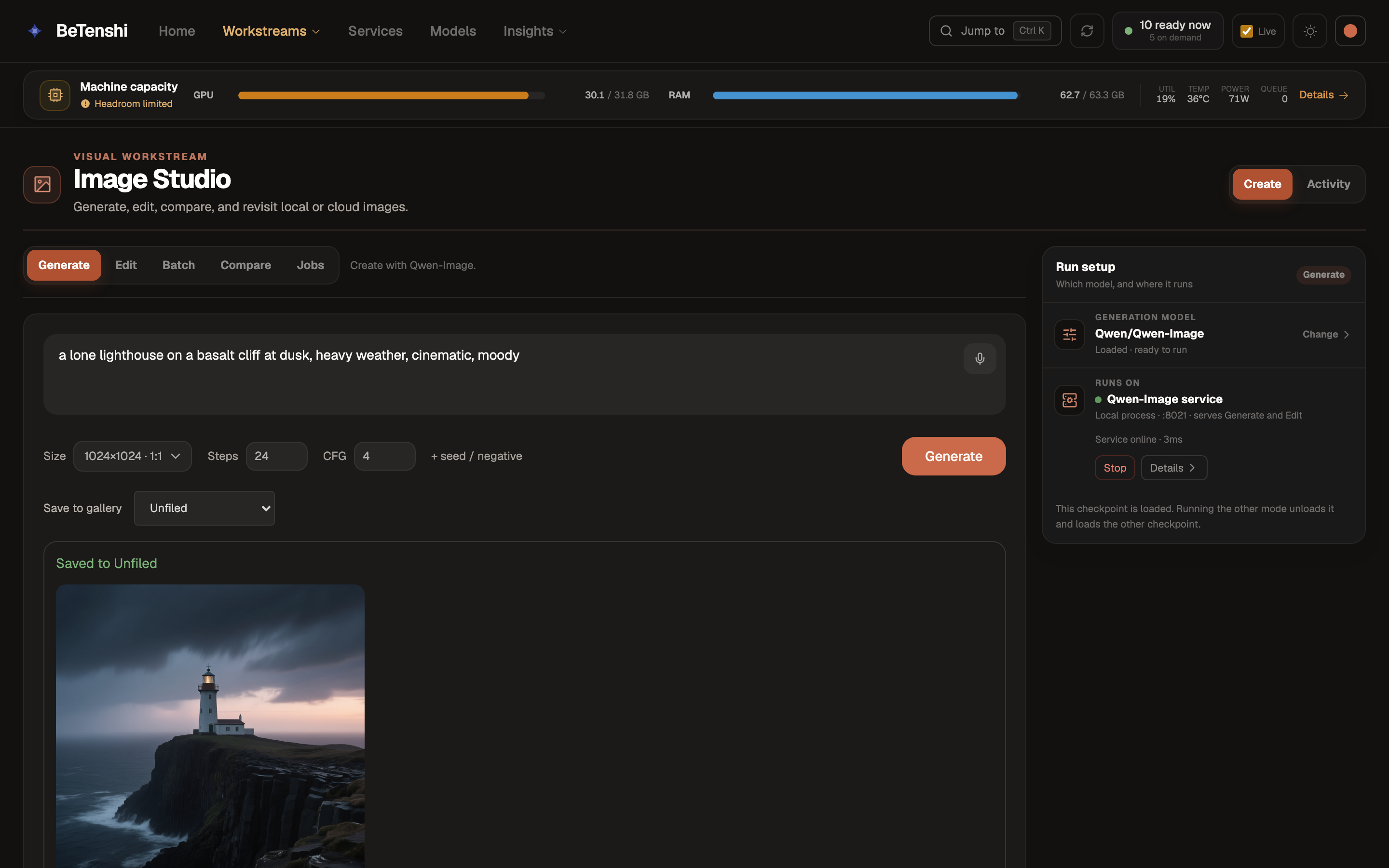
Use the same console for chat, local image generation, speech, vision, and 3D when the machine supports them.
Detects macOS, Windows, or Linux, available memory, accelerators, Ollama, and reachable local services.
Creates a profile for this computer and wires only the models and capabilities it can prove are available.
Runs the tests, starts the console, checks the host profile, and verifies the local model service responds.
Install Git, Node.js 22+, and Ollama, then clone Hangar.
git clone https://github.com/alibad/hangar.git
cd hangar
npm installQwen3 8B is a sensible first local text model. The setup skill can choose a better fit after checking your hardware.
ollama pull qwen3:8b
node scripts/detect-host.mjs
npm run devThis public site is only the setup guide. The working console and its machine APIs run locally; the public Human Quest domains cannot reach them.